
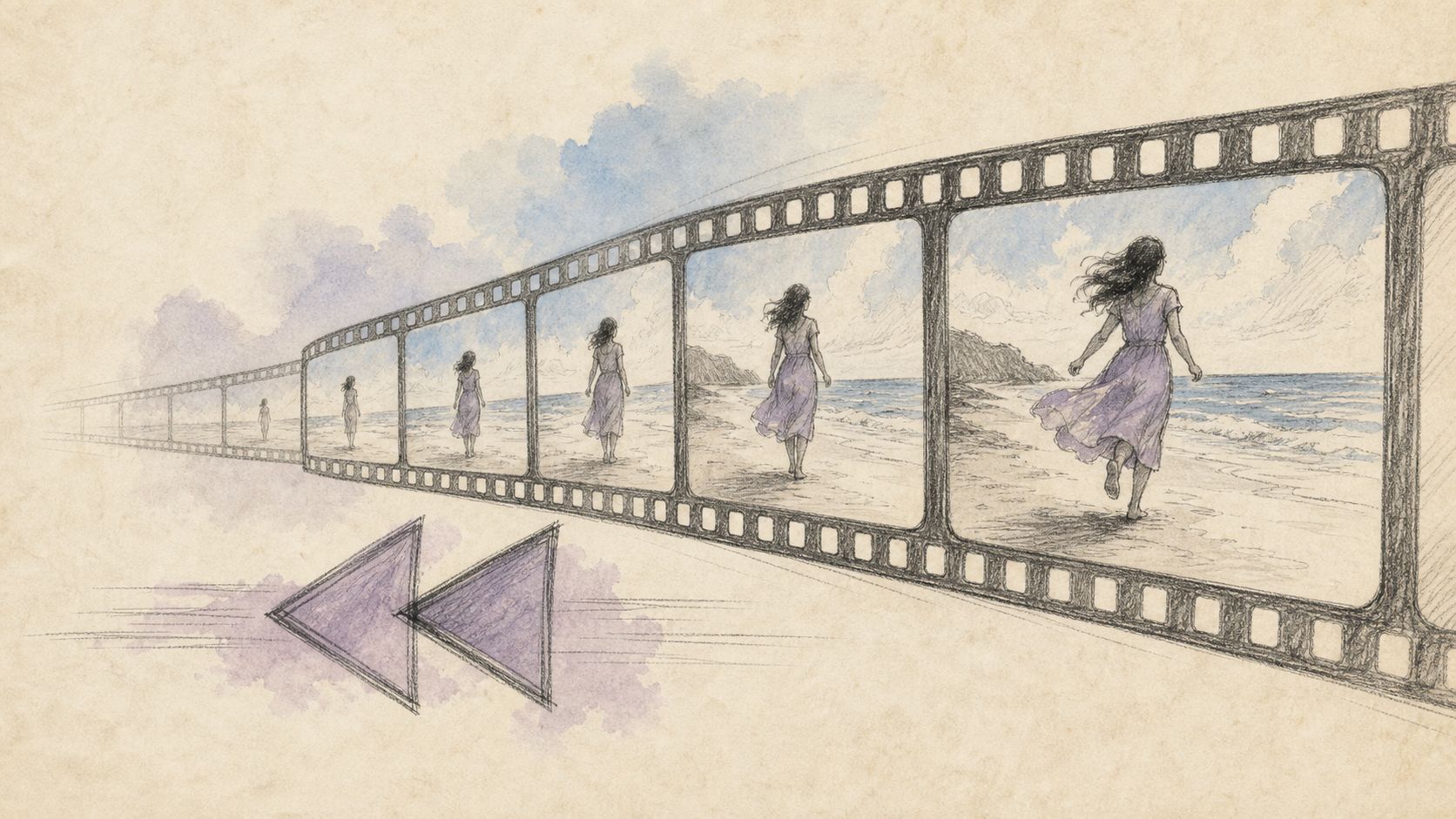
Reverse Video Online Free — Play Backwards Without an App

A dancer films eight counts, then needs the same move backwards to learn footwork. A Shorts creator wants the last frame to rewind into the hook. A sound designer flips a whoosh so it sucks inward instead of exploding out. Reverse playback is not a gimmick reserved for Hollywood — it is a 30-second creative lever, as long as you reverse the right segment and export cleanly. This guide covers how to reverse video online free, when reverse-audio alone is smarter, and how to combine reverse with trim and loop.
Why reverse playback keeps showing up in short-form
| Use case | What reverse does | Pro tip |
|---|---|---|
| Hook / pattern interrupt | Breaks expected motion | Reverse only 0.5–2s |
| Dance / sports practice | Shows weight shifts in reverse | Trim to one phrase first |
| Logo / product “assemble” | Pieces snap together | Shoot deconstruct, reverse |
| SFX design | Turns hits into suction | Prefer audio-only reverse |
| Art / seamless loops | Meets forward half in the middle | Pair with loop |
Platforms reward novelty in the first second. A reverse flash can outperform a static intro, but a full 10-minute reverse lecture is usually noise. For browser media basics see MDN Web Media. For time-based media concepts more broadly, HTML media elements document how players treat timelines (reverse is an export-time effect, not a standard HTML attribute).
Practical rule: Reverse the highlight, not the entire take. Audience patience is short; precision beats “whole file flipped.”
Image: reverse works best on short, intentional segments.
Method A: Reverse with CutFast (browser workflow)
The fastest creator path is a reverse-capable browser tool. For video motion reverse, open reverse video, load the clip, apply reverse playback, preview, and export. For audio-centric reverse (whooshes, risers, musical stutters), start at reverse-audio. Keep confidential footage local whenever possible.
Recommended steps
- Trim first with trim so you only reverse the beat or gesture that matters.
- Open reverse video when motion is the story; use reverse-audio when dialogue is irrelevant and you only need the sound flipped.
- Preview at 1×. Fast scrubbing hides awkward lip flaps and foot plants.
- Export MP4 for social, or extract/process audio if the reverse is an SFX asset.
- Optional: feed the result into loop for infinite art backgrounds or practice loops.
Practical rule: If speech must stay intelligible, do not reverse dialogue. Reverse B-roll, hands, product spins, or SFX instead.
Quality checklist before export
- Motion blur direction still “reads” (fast pans can look odd reversed)
- No unwanted flash frames at the new head/tail after reverse
- Audio: either reverse with picture, mute, or replace with forward music
- Resolution and frame rate match the rest of your edit
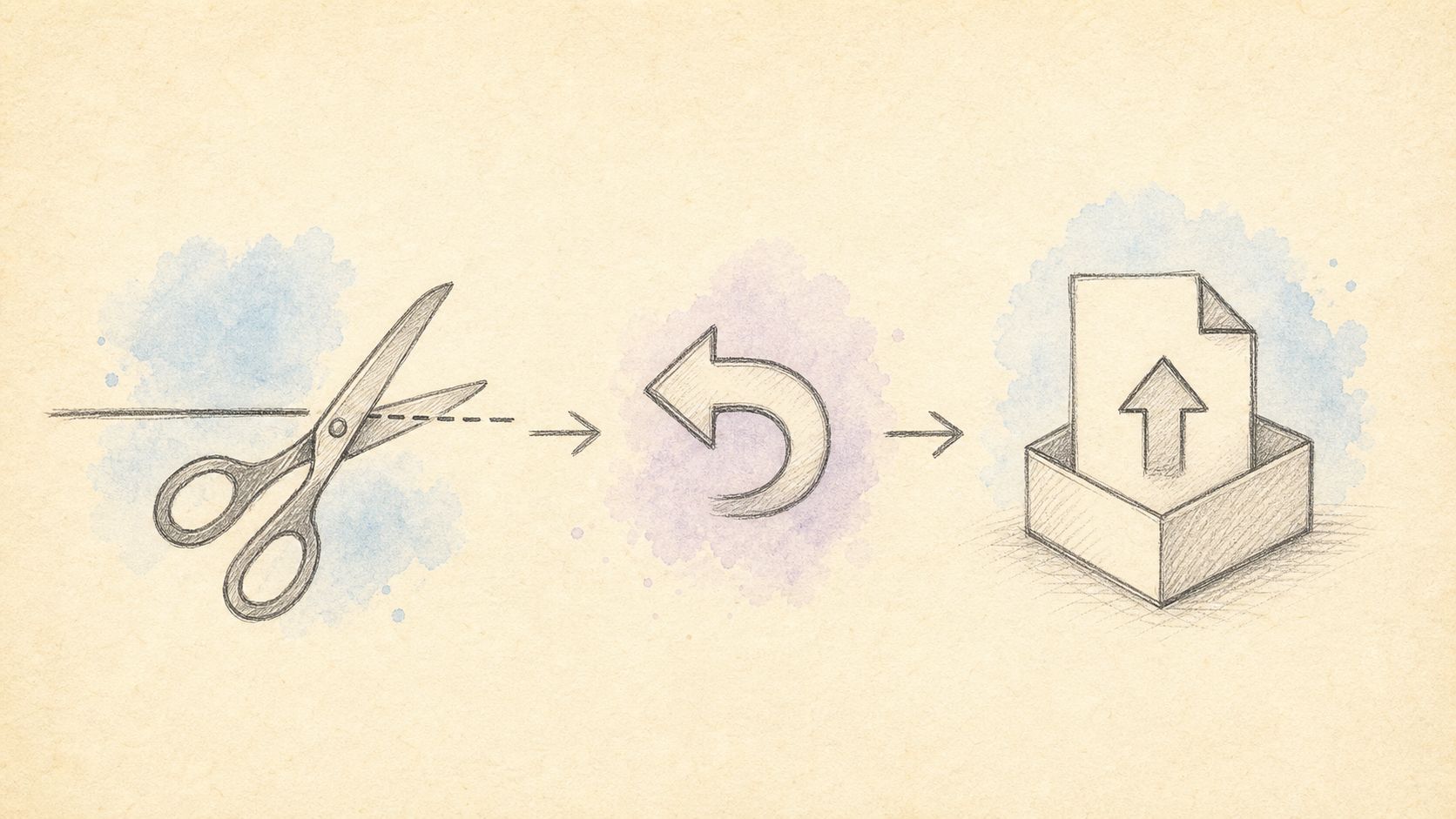
Image: trim → reverse → preview → export.
Method B: Alternatives (desktop NLE, phone apps, manual)
Desktop NLE (Premiere, DaVinci, Final Cut)
Powerful for multi-layer reverse + speed ramps + optical flow. Overkill if you only need one reversed 2-second hook tonight.
Mobile apps (CapCut and peers)
Great for trends on the phone you filmed with. Weaker when the master file is a long desktop screen recording or when corporate policy blocks consumer cloud drafts.
Frame-sequence export / scripting
Advanced users reverse image sequences or use command-line tools. Maximum control, minimum speed for casual reverse video online free intent.
Play-in-player reverse only
Some players can scrub backward; that does not give you a shareable reversed MP4 for TikTok upload. Export a real file.
| Method | Speed | Control | Best when |
|---|---|---|---|
| Browser reverse (reverse video / reverse-audio) | Fast | Good | One clip, no install |
| CapCut-style mobile | Fast | Trend templates | Phone-native shoots |
| Desktop NLE | Slow start | Highest | Multi-layer finish |
| CLI / sequence | Slow | Surgical | Pipelines & automation |
Practical rule: Choose tools by deadline, not feature checklist. Reverse one hook → browser; finish a brand film → NLE.
Comparison: reverse video vs reverse audio vs loop
| Goal | Tooling | Output feel |
|---|---|---|
| Motion plays backward | Reverse video | Visual rewind |
| SFX / riser design | reverse-audio | Sound sucks in / blooms out |
| Infinite practice clip | Reverse optional + loop | Seamless repeat |
| Cleaner source first | trim | Shorter, intentional |
Also useful after reverse: compress-video for chat limits (Gmail 25MB guidance), or convert if a platform rejects the container.
Advanced tips for reverse that looks intentional
- Shoot with reverse in mind. Pour-outs, unboxing, falling confetti reverse into satisfying “assemble” shots.
- Hold the end frame a beat before reverse so the rewind reads as a choice.
- Separate music. Reverse the picture, keep music forward — or reverse only the SFX bed.
- Stabilize first if handheld shake becomes nauseating reversed.
- Match frame rate across cuts so reverse segments do not stutter next to 24/30/60 neighbors.
- Pair reverse + loop for hypnotic product spins: reverse half, then loop the combined phrase.
- Check loudness if reverse audio spikes; use volume tools if needed (volume).
Loudness standards context: LUFS / LKFS and ITU. Creative coding / media APIs: MDN Media. Accessibility of time-based media is discussed in broader W3C / MDN materials; reverse does not remove the need for captions on dialogue content (WebVTT intro).
Practical rule: Reverse is an effect, not a fix for bad framing. Fix framing and trim before flipping time.
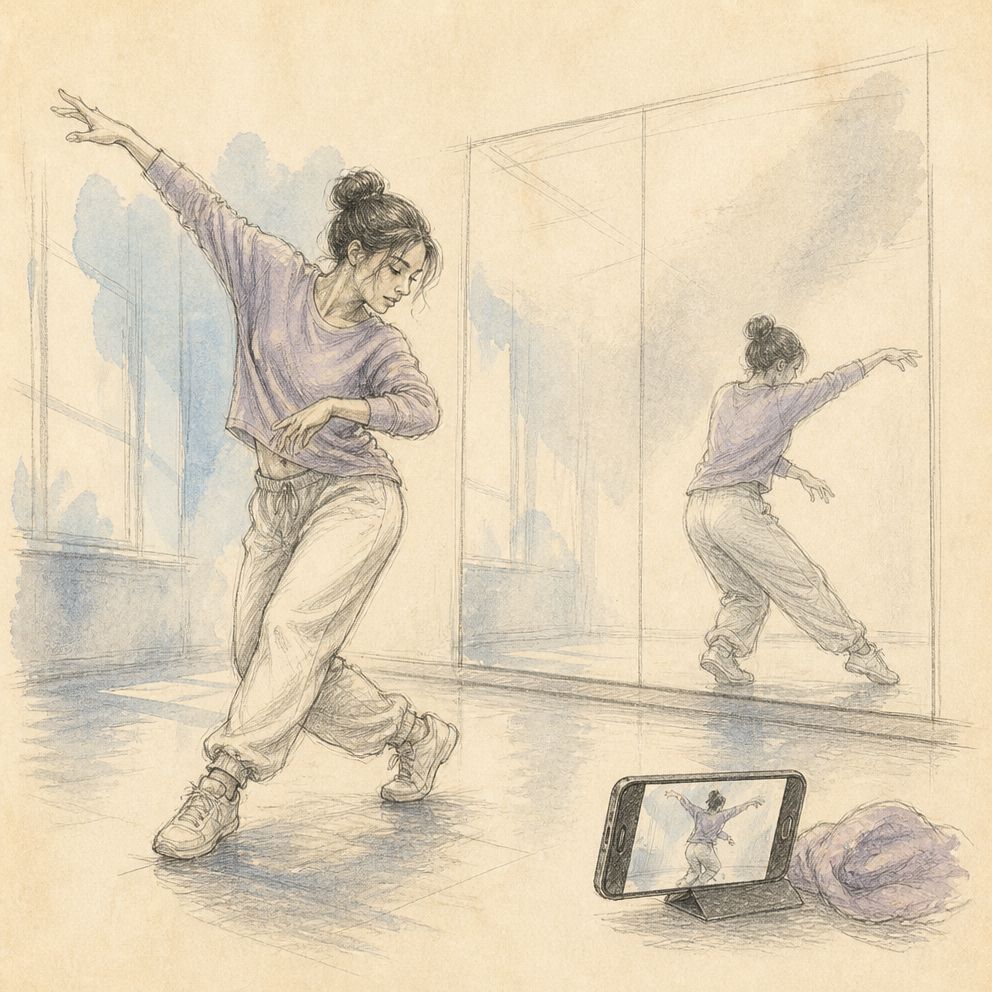
Image: reverse hooks often pair with loops and hard cuts.
Frequently asked questions
Can I reverse video online without an app?
Yes. Open reverse video in the browser, load a short clip, apply reverse, preview at 1×, and download an MP4. No desktop install and no upload.
Can I reverse audio only and leave the video forward?
Yes — that is exactly what reverse-audio workflows are for (SFX, risers). Picture stays chronological while sound plays backward.
Will reversed speech still make sense?
No. Phonemes reverse into gibberish. Use reverse on non-speech or accept the glitch aesthetic.
Does reverse lower quality?
Any re-encode can. Export at a bitrate suitable for your platform and reverse once on a clean master, not on a twice-compressed download.
How long should a reverse hook be?
Often under two seconds for social pattern interrupts. Practice loops can be longer after you trim to a full phrase.
Can I loop a reversed clip?
Yes. Export reverse, then open loop (or loop-mp4 when available in your locale) for repeated playback in a single file.
Is processing private?
Prefer browser-local reverse for drafts with faces or unreleased products. Confirm the tool’s current privacy notes for regulated material.
Reverse the moment that matters
You do not need a full suite to flip time — you need a clean segment, a reverse pass, and a preview at full speed. Trim the phrase, reverse video or audio with intent, then loop or compress for delivery. Start with reverse video for picture (no app), or reverse-audio for sound design, and keep trim and loop one click away.
— CutFast Team
More in this series
- How to Flip/Mirror a Video Online for Free: The Complete Guide to Fixing Backwards Selfies and Mirror Effects (2026)
- How to Split a Video Online for Free (2026): Cut One Video into Multiple Clips — Right in Your Browser
- Fast Video Editing Workflow for Beginners: Get Professional Results in 45 Minutes
- Large 4K Video Editing Lagging? The Proxy Editing Workflow (CutFast Method, 2026)
- Rotate Video Online Free (2026): Fix Sideways and Upside-Down Phone Clips