
Decrease Video Volume Online Free (2026): Lower MP4 Audio Safely

A street interview peaks every time a bus passes. A classroom upload makes laptop speakers rattle. A voice note remuxed into MP4 is fine on phones but painful on conference-room TVs. You do not need a full DAW session — you need to decrease video volume online free, confirm speech is still clear, and know when lowering gain is better than loudness normalization. This guide separates those two ideas and gives safe dB starting points.
Why “too loud” is a different problem than “too quiet”
Quiet files need gain up. Loud files need either gain down, peak limiting logic, or catalog-level normalization. Mixing them up causes two classic mistakes: (1) normalizing a clipped file (distortion stays), (2) lowering a whole episode when only ads are hot.
| Situation | Prefer | Why |
|---|---|---|
| Entire track is hot | Decrease gain | Simple, predictable |
| Peaks clip / crackle | Lower first, then gentle process | Normalize cannot un-clip |
| Soft host + loud ads | Segment edit or redesign mix | One fader hurts dialogue |
| Episode louder than catalog | normalize-loudness | Match LUFS targets |
| Platform will re-normalize anyway | Still fix true peaks | Avoid inter-sample nastiness |
Streaming and broadcast think in LUFS (perceived loudness) and true peak. Readable overview: LKFS / LUFS; standards home: ITU. Browser media behavior: MDN Web Media.
Practical rule: If you hear distortion, lower volume first. Normalization redistributes loudness — it does not reconstruct clipped samples.
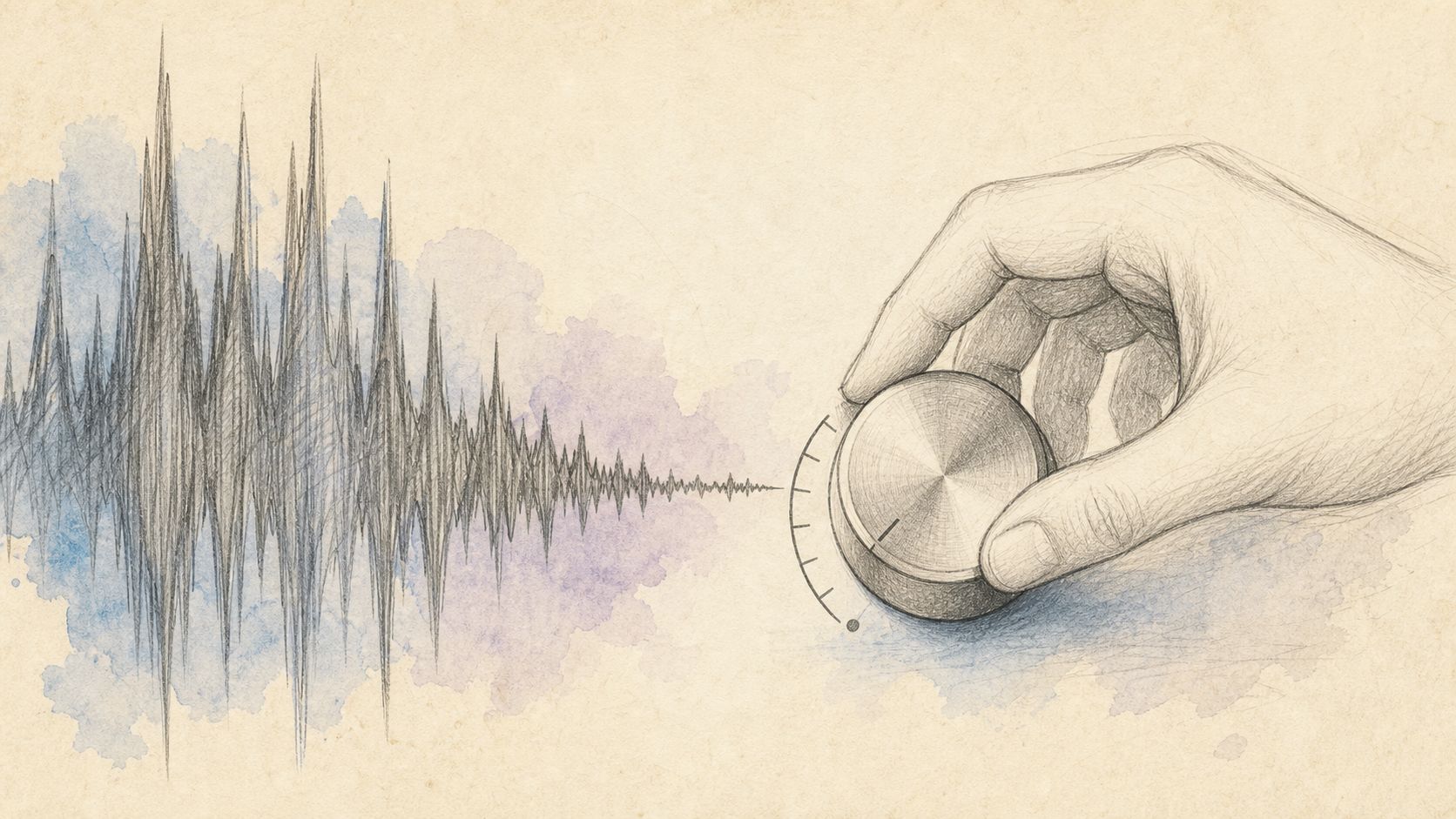
Image: hot peaks from streets, classrooms, and remuxed voice notes.
Method A: Lower volume in the browser with CutFast
Use CutFast Volume (and MP4-oriented volume-mp4 when that is your container). Drag gain down, preview the loudest moment, export. Processing designed for the browser keeps student/classroom media off random upload sites when policy requires it.
Four steps
- Open volume.
- Load the loud MP4 / MOV.
- Reduce gain in small steps: try −3 dB (noticeable), −6 dB (clear drop), −9 dB if still harsh on speakers.
- Preview laughter, claps, “any questions?” moments — then export.
If only the first 20 seconds are hot (mic check blast), trim the blast or split the project rather than punishing the whole lecture. If the destination is audio-only chat, extract-audio after the level is sane.
Practical rule: Match the listening device of your audience. Room TVs and classroom speakers expose loudness problems earbuds hide.
Decrease vs normalize — decision table
| Goal | Tool | Notes |
|---|---|---|
| Make this file quieter now | volume down | Direct gain |
| Match Spotify/YouTube/podcast targets | normalize-loudness | LUFS-oriented |
| Both: hot peaks + wrong average | Lower peaks, then normalize carefully | Order matters |
| Share size issue, not loudness | compress-video | Different problem |
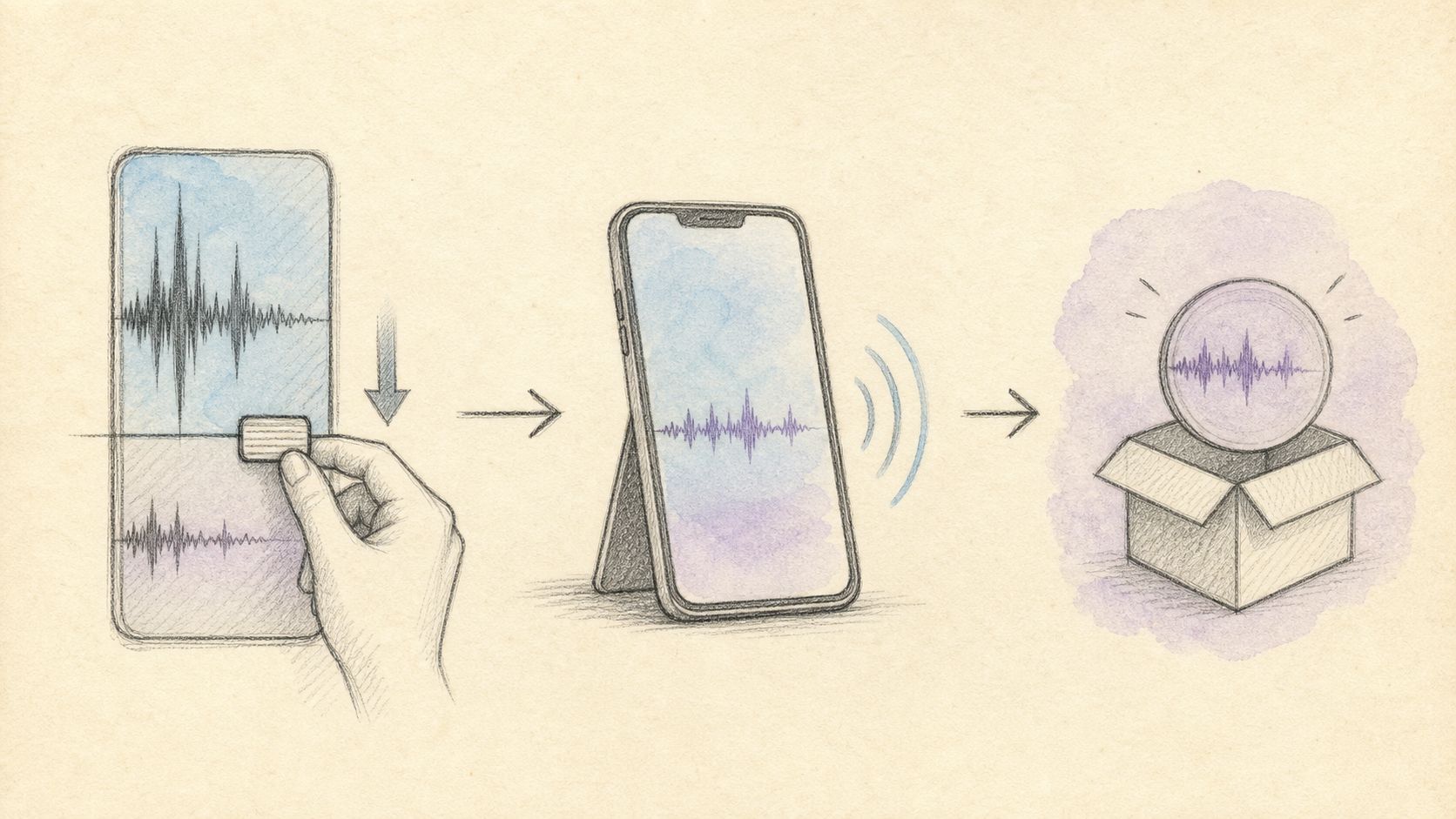
Image: lower gain, preview peaks, export.
Method B: Alternatives (normalize, desktop, remaster)
Loudness normalization
When the file is “a bit hot versus other episodes” rather than “hurts,” normalize toward platform targets with normalize-loudness. YouTube-oriented uploaders can also review YouTube audio help topics. Normalization may still reduce level overall, but it optimizes for integrated loudness, not a flat fader feel.
Desktop editors
Audacity, Reaper, Premiere dynamics (compressors, limiters) shine when you need to reduce peaks while lifting soft words — classic dialogue leveling. Overkill for “entire file −6 dB.”
Re-export from the recorder
Zoom/Meet local recordings sometimes offer separate audio tracks or better gains. If the cloud MP4 is already crushed, ask for the original.
Player volume only
Fine for personal watching; fails for shared classroom links and autoplay feeds.
| Method | Speed | Precision | Best when |
|---|---|---|---|
| Online decrease (volume) | Fastest | File-wide fader | Uniformly loud |
| LUFS normalize | Fast | Catalog / platform | Series consistency |
| Desktop dynamics | Slow | Word-level | Uneven dialogue |
| Re-record / re-export | Varies | Source fix | Irreparable clip |
Practical rule: Decrease = fader. Normalize = match a loudness standard. Use the word that matches your job.
Comparison: decrease, boost, normalize, compress
| Action | Direction | Solves | Does not solve |
|---|---|---|---|
| Decrease volume | Down | Painful playback | Noisy soft speech under noise |
| Boost volume | Up | Quiet captures | Clipping already present |
| Normalize loudness | Toward target LUFS | Catalog mismatch | True clip repair |
| Compress video size | File bytes | Email/Discord limits (Gmail) | Perceived loudness |
Also see convert if the partner only accepts another container — conversion alone will not fix loudness.
Advanced tips for lowering without making speech thin
- Step in 1–2 dB after the first −3. Ears adapt; A/B with the original.
- Check mono compatibility for social platforms that collapse channels.
- Do not “fix” clip with EQ boosts after lowering — if consonants are gone, re-record.
- Music beds: lower music relative to voice at the mix stage when possible; a single fader is blunt.
- Batch classroom uploads to the same −dB offset so modules feel consistent — or normalize the set.
- After level is right, then compress for delivery size.
- Document the setting (+/− dB) in your team wiki so assistants do not re-guess weekly.
References: MDN Media, MDN video element, LUFS, ITU, Gmail attachments.
Practical rule: Audience comfort > meter bragging. If grandma’s TV is harsh, the file is still too loud.
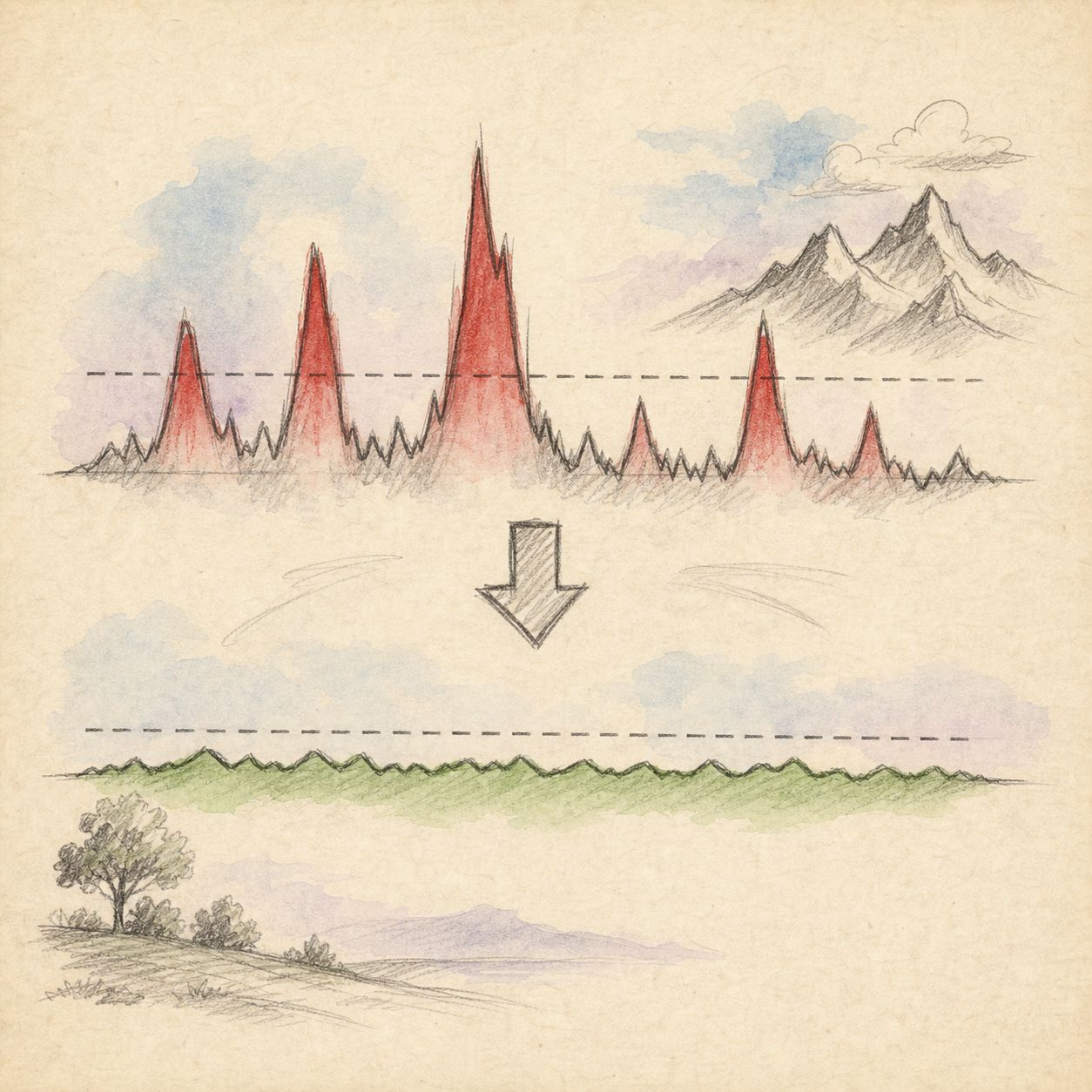
Image: fader down for hot files; LUFS tools for catalog match.
Frequently asked questions
How do I decrease video volume online free without installing software?
Open a browser volume tool such as CutFast Volume, lower gain, preview, export. No desktop NLE required for uniform loudness problems.
Will lowering volume fix crackling?
It can reduce further damage on playback systems, but samples already clipped stay distorted. Lower, and if crackle remains, replace the source.
Decrease or normalize for YouTube?
If the upload is painfully hot, decrease (or normalize with true-peak awareness). If it is only slightly off other videos, normalize-loudness toward common targets is often enough.
Can I lower only the music?
Not with a single global fader unless stems exist. Rebuild the mix or edit segments.
Does this work on phone-recorded MP4s?
Yes. Load the phone export, decrease, send back to camera roll / Drive. Watch size limits when emailing (Gmail).
Is audio processed on a server?
Prefer browser-local tools for student and client media. Confirm current product privacy notes for regulated content.
Turn it down, keep it clear
Decrease video volume online free is a fader problem first, a standards problem second. Lower gain until speakers are comfortable, use normalization when you need LUFS consistency, and never expect normalize to heal clipping. Start at volume, pair with normalize-loudness when catalog matching matters, and finish delivery with trim or compress-video on cutfa.st.
— CutFast Team
More in this series
- Reverse Video Online Free — Play Backwards Without an App
- How to Flip/Mirror a Video Online for Free: The Complete Guide to Fixing Backwards Selfies and Mirror Effects (2026)
- How to Split a Video Online for Free (2026): Cut One Video into Multiple Clips — Right in Your Browser
- Fast Video Editing Workflow for Beginners: Get Professional Results in 45 Minutes
- Large 4K Video Editing Lagging? The Proxy Editing Workflow (CutFast Method, 2026)