
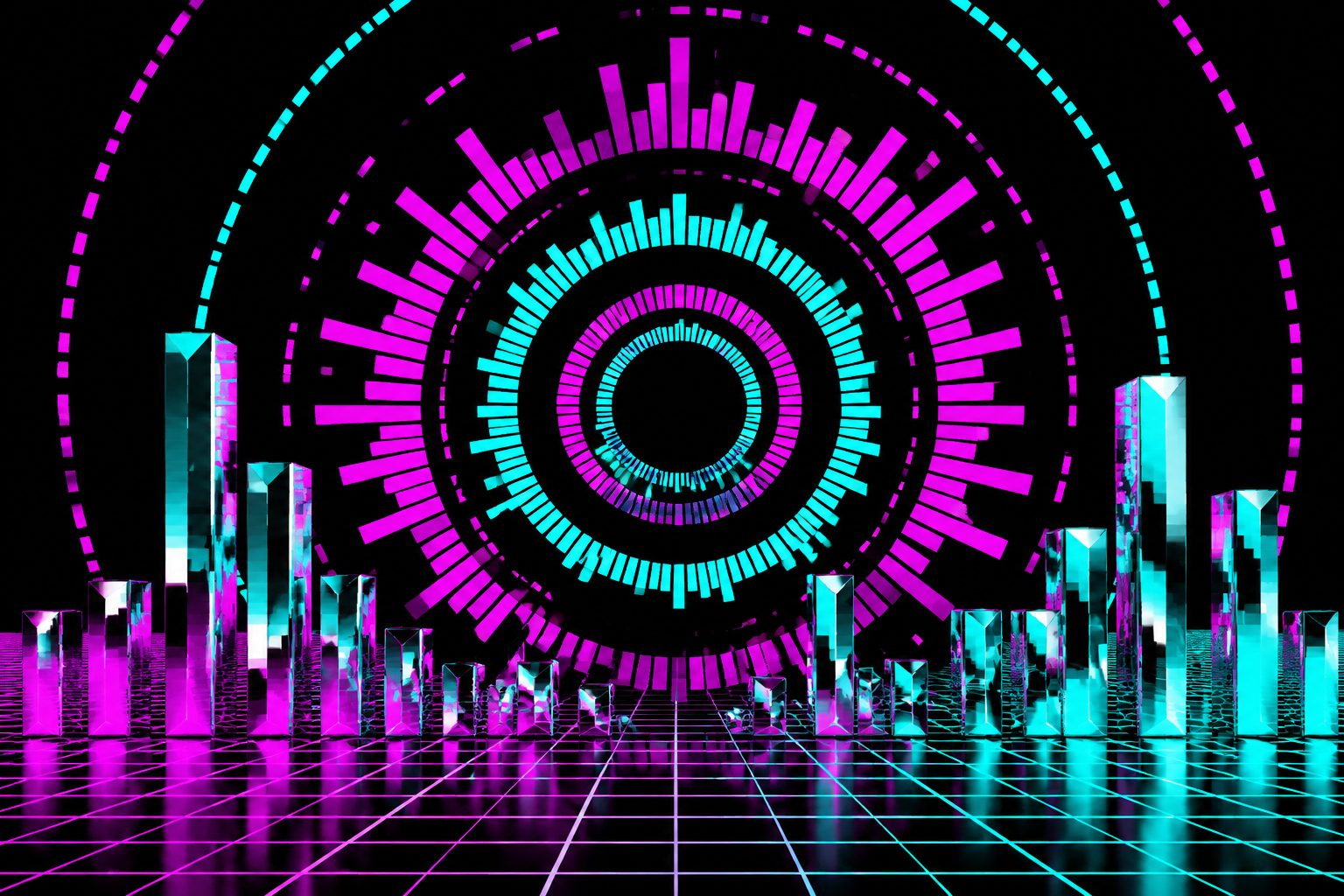
Audio Visualizer 2026: Turn Podcast / Music into a Watchable Video (Spectrum, Waveform, Particle — Free Browser Workflow)

3-second answer: CutFast Audio Visualizer converts any audio file into a video with synced visual reaction (spectrum bars, waveform, particle flow, oscilloscope, 3D wave). Free for files up to 60 minutes, browser-based, no upload. Used to publish podcasts on YouTube, music tracks as Reels, audiobook chapters as visual video.
YouTube doesn’t accept audio-only files. Spotify Canvas requires video. TikTok needs visual. Audio Visualizers convert audio → video by adding sync-reactive visuals that move with the music/voice — letting podcasters and musicians publish on visual platforms without making a real music video.
In 2026, browser-based audio visualizers have matched the quality of $200+ desktop tools (AfterCodecs, Plotagraph). This guide covers the 6 visualizer styles, when to use each, and the CutFast workflow.
When You Need Audio Visualizer
| Use case | Visualizer style | Output platform |
|---|---|---|
| Publish podcast on YouTube | Waveform or spectrum bars | YouTube |
| Music track on TikTok / Reels | Particle flow or 3D wave | TikTok, Instagram |
| Audiobook chapter on YouTube | Soft particle / cosmic | YouTube |
| Beat producer demo / Soundcloud cross-post | Oscilloscope or spectrum | SoundCloud, YouTube |
| DJ set archive on YouTube | Spectrum + waveform combo | YouTube |
| Podcast clip for social | Animated waveform + caption | TikTok, Reels |
| Music vocoder / synth video | Oscilloscope (retro feel) | YouTube, niche |
| Sleep / ambient track | Slow particle drift | YouTube long-form |
6 Visualizer Styles Compared
Style 1: Spectrum Bars (Most Popular)
Classic frequency spectrum bars rising and falling with audio.
Bars color: gradient (blue → magenta), centered or left-anchored.
Good for: podcasts, electronic music, gym/workout playlists.
Style 2: Animated Waveform
Time-domain waveform line that reacts to amplitude.
Color: single accent or gradient.
Good for: voice content (podcasts, audiobooks), acoustic music.
Style 3: Particle Flow
Thousands of particles moving in response to audio frequency.
Color: dynamic, often pastel or cosmic.
Good for: ambient, lo-fi, dream pop, study music.
Style 4: Oscilloscope
Retro green/yellow oscilloscope-style waveform.
Color: monochrome green or yellow on black.
Good for: synth music, vocoder, retro/8-bit aesthetic.
Style 5: 3D Wave
3D mesh that morphs in 3-axis based on frequency bands.
Color: rainbow or single accent.
Good for: EDM, dubstep, trap, modern electronic.
Style 6: Cosmic / Particle Storm
Particle storm with starfield background.
Color: deep space gradients (purple, cyan, magenta).
Good for: cinematic music, podcasts, audiobook chapters.
CutFast Workflow
Step 1: Upload Audio
Open cutfa.st/features/audio-visualizer. Drop MP3, WAV, M4A, OGG, FLAC. Free: 60 min.
Step 2: Choose Visualizer Style
Click any of the 6 styles for live preview at 5-second sample.
Step 3: Customize
- Background: solid color, gradient, image upload, or AI-generated scene
- Colors: brand accent, palette presets, or custom HEX
- Position: center, bottom, top, full-screen
- Animation intensity: subtle to dramatic
- Logo / branding overlay: optional watermark for channel ID
- Title text: song name, episode number, artist
Step 4: Choose Output Resolution
| Platform | Recommended | Notes |
|---|---|---|
| YouTube Shorts | 1080×1920 | 9:16 vertical |
| YouTube long-form | 1920×1080 | 16:9 horizontal |
| TikTok / Reels | 1080×1920 | 9:16 vertical |
| Spotify Canvas | 720×1280 | 9:16 vertical, 3-8s only |
| Square (X, Mastodon) | 1080×1080 | 1:1 square |
Step 5: Generate & Export
Processing: ~30 sec per minute of audio. 60-min podcast → ~30 min processing on typical desktop. Output: MP4 (H.264) ready for direct upload.
Tips for High-Engagement Audio Visualizer Videos
- Match visualizer to genre: ambient should be soft particle, not aggressive spectrum
- Add a cover image overlay (small, corner): channel branding boost
- Caption summary at start (3-5 sec text overlay): hooks viewers scrolling past
- Loop-friendly endings: Spotify Canvas needs seamless loop; Reels rewards repeat plays
- Use brand colors consistently: across all your audio visualizer videos = recognizable channel
- Keep audio in sync with visualization: CutFast handles this automatically; verify in preview
How CutFast Compares
| Tool | Browser? | Free | Visualizer styles | Audio length |
|---|---|---|---|---|
| CutFast Audio Visualizer | ✅ Yes | ✅ Free 60 min/mo | 6 | 60 min (Free), unlimited (Pro) |
| Headliner | ✅ Yes | Free w/ watermark | 12+ | 30 min free |
| Wavve | ✅ Yes | Limited free | 10+ | 1 min free |
| AfterCodecs (After Effects plugin) | ❌ Desktop | Paid ($50) | Custom | Unlimited |
| Photoshop + manual sync | ❌ Desktop | Subscription | Custom | Slow |
| CapCut | ⚠️ Mobile | Free | 4 | Limited |
Frequently Asked Questions
Q: Can I publish podcasts as videos on YouTube using this?
Yes — many podcast channels do exactly this. Episode audio → CutFast Audio Visualizer → 16:9 1080p output → upload to YouTube. Subscribers can watch (visualization keeps them engaged) or just listen.
Q: Does the visualizer slow down on long files?
For 60-minute audio: ~30 min processing on typical desktop. For 4-hour audiobook: 2-3 hours processing — recommend batch into chapter-sized segments.
Q: How accurate is the audio-visual sync?
Sample-level accurate (within 5-10ms). Your eyes can’t detect drift smaller than 30ms.
Q: Can I customize the visualizer beyond the presets?
Free tier: 6 preset styles with color/position adjustment. Pro tier: custom particle count, color gradients, background image upload, fine-grained reactivity control.
Q: Will my channel look “generic”?
Generic if you use defaults. Customize with: brand color palette, custom cover image, logo overlay, episode-number text — looks distinct.
Q: Does it work for live audio?
CutFast Audio Visualizer is post-production (recorded audio file → video). For live audio visualization (during streaming), use OBS Studio plugins.
Q: Can I export just the visualization (no audio)?
Yes — Pro tier exports .webm with alpha channel for compositing over your own audio in NLE.
Q: How do I get high CTR with audio visualizer videos on YouTube?
Strong thumbnail + descriptive title outweighs visualization quality. See CutFast Thumbnail Maker for thumbnail design.
Next Steps
- Try CutFast Audio Visualizer — free, no signup
- Pair with: Caption Generator for word-by-word lyric overlay
- For thumbnail: Thumbnail Maker
- For Spotify Canvas (8s loop version): SunoMV Spotify Canvas Maker
- Audio cleanup before viz: Normalize Loudness
YouTube doesn’t accept audio-only uploads, but with CutFast Audio Visualizer, any podcast/music/audiobook becomes a 1080p video in 30 minutes. Pick the visualizer matching your genre, customize with brand colors, upload. Your channel grows from podcasters or musicians who don’t currently use YouTube.
CutFast Team
More in this series
- E-commerce Promo Video Maker 2026: Free Shopify / TikTok Shop / Amazon Product Video Generator (60-Second Workflow, Sales Lift Built In)
- Lower Third Generator 2026: Name Badge Overlays for Interviews, Livestreams, Podcast Videos (Free, 8 News-Style Templates)
- Photo + Music Slideshow Maker 2026: Free Browser Tool for Wedding, Travel, Birthday, Memorial Slideshows (No Watermark, Sync to Beats)
- Quote Video Maker 2026: AI Quote Cards for Instagram / TikTok / LinkedIn (Free, 8 Aesthetic Templates, Scriptable Bulk Generation)
- Video Collage / Split-Screen / Reaction Video Maker 2026: Free Browser Tool for Side-by-Side, Picture-in-Picture, 4-Window Layouts